Track Your Time with Toggl
The Big Idea
Toggl is the tool you will use to track time across all of Foundations. Set it up now so you can start logging time from your first activity.
Your Roadmap
| Section | Time | Required? |
|---|---|---|
| Create account and download | 5 min | ⚑ Required |
| Create entries for each sprint | 5 min | ⚑ Required |
| Start tracking | 2 min | ⚑ Required |
Set up Toggl
Step 1: Create an account and download the app
Sign up at toggl.com/track and download the Toggl desktop app.
There is also a Toggl browser extension if you prefer.
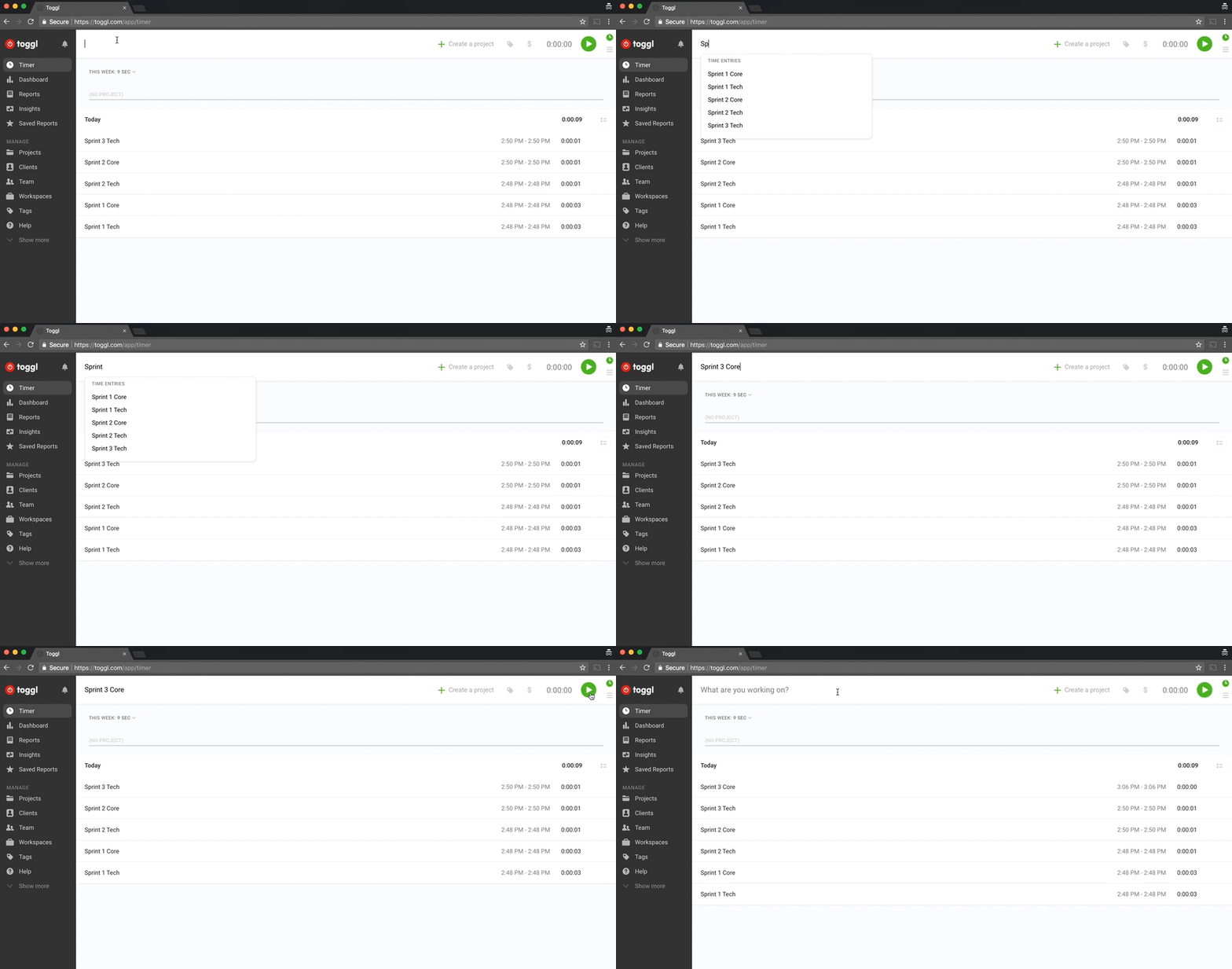
Step 2: Create entries for each sprint
Create ten entries — one for tech and one for human skills per sprint:
- Sprint 1 Tech
- Sprint 1 Human Skills
- Sprint 2 Tech
- Sprint 2 Human Skills
- Sprint 3 Tech
- Sprint 3 Human Skills
- Sprint 4 Tech
- Sprint 4 Human Skills
- Sprint 5 Tech
- Sprint 5 Human Skills
Figure 1: Creating Toggl entries for each sprint
Step 3: Start tracking
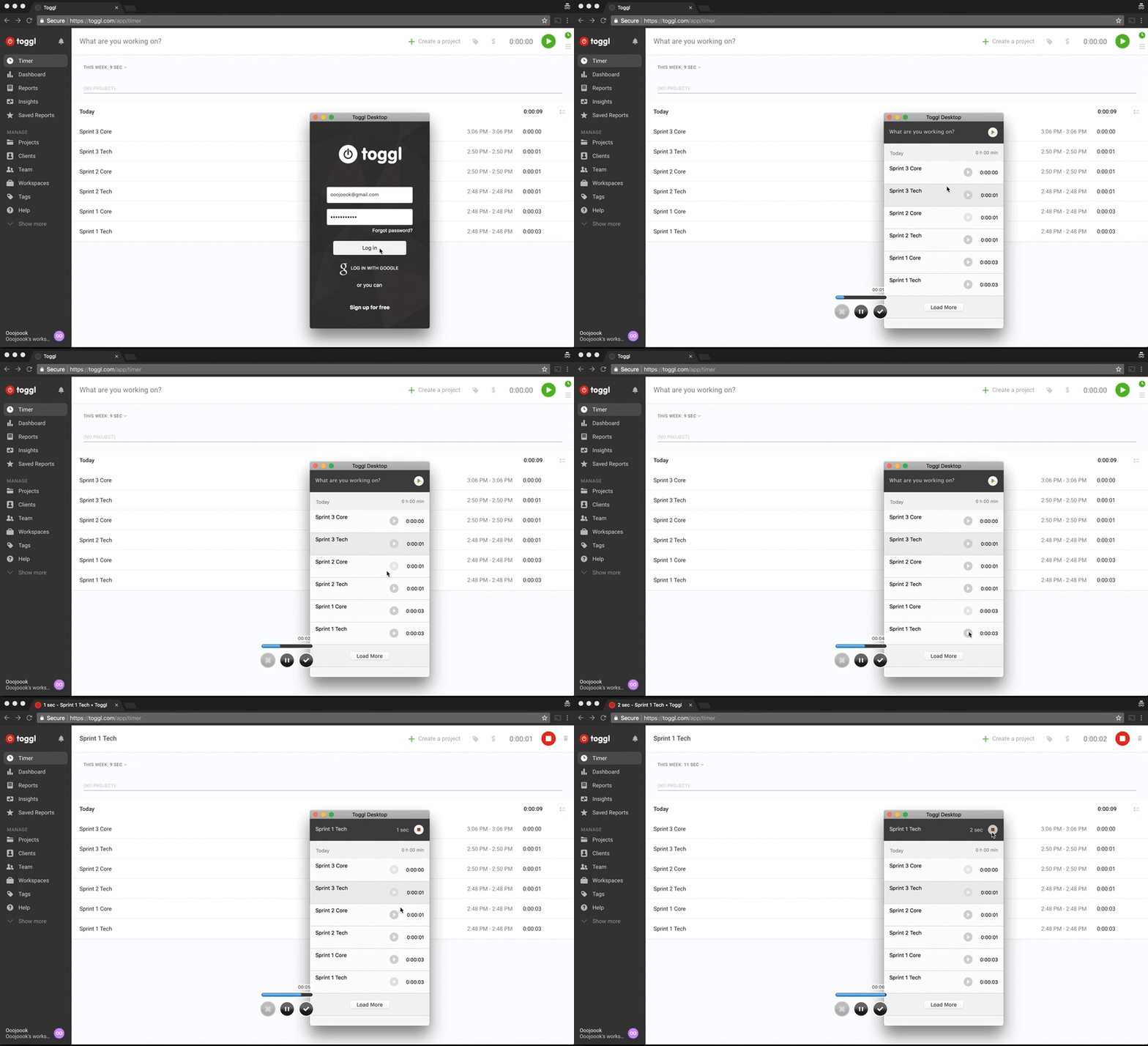
Every time you work on course material, start the matching Toggl entry. Include workshops and check-ins.
Figure 2: Tracking time with the desktop app
At the end of each sprint you will have a clear picture of where your time went.
The Big Idea (revisited)
Set up Toggl once. Use it every day. At the end of each sprint, your time logs will tell you where you are spending your energy — and where to adjust.